

01
BeginStart the Course
Start with the first video to understand more about the course and how to navigate toward your success.
Congratulations, you have made the choice to start, re-start or enhance your knowledge towards earning your Certified Meeting Professional (CMP) certification. You can choose the basic 9-month or 21 days "FAST TRACK" course option.
 CPD Certified
 2X Bronze Award
Follow our structured path and stay on track to earn your CMP in as little as 90 days.
Get guidance from certified professionals at every stage of your journey.
Log tasks, add notes, and schedule your work with our built-in planning tool.
Didn't pass? Get 90 days of free re-enrollment with a customized study plan.
Start with the first video to understand more about the course and how to navigate toward your success.
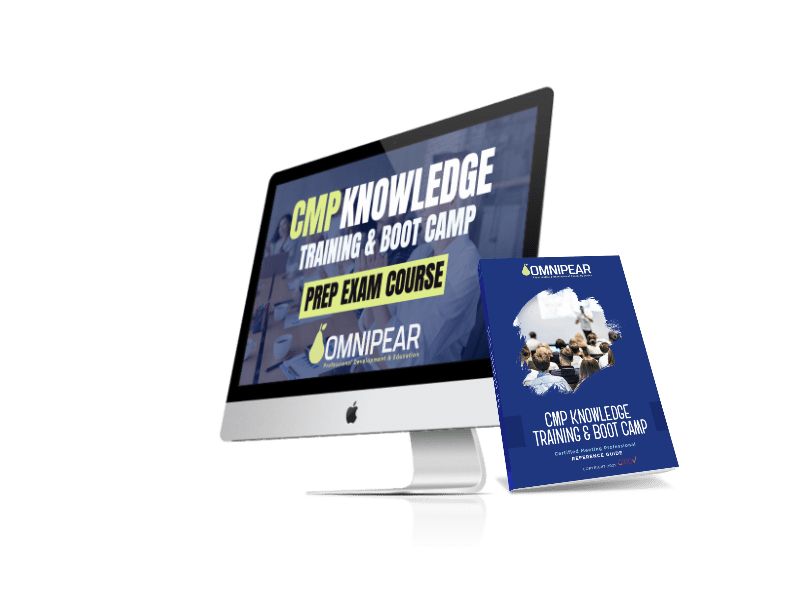
We will ship the OmniPear CMP Reference Guide to you via mail (U.S. and Canadian addresses only).
Get your reference materials to support your study throughout the course.
Continue your learning assignments.
Use the OmniPear StudyPlan Pro to log your tasks, add notes, and schedule your work. As a reminder, the StudyPlan Pro does not link to your courses. We want you to take the action, so you are fully in charge of your progress. Visit your StudyPlan Pro weekly. Note: The "Fast-Track" course does not require the study plan since tasks are incorporated directly into the on-line course.

If you have questions or need clarity, reach out to your instructor using the message board.
Download a copy of your certificate of completion.
Once completed, we will guide you on how to report your CEU credits to your EIC account (if you have an active profile). Or, you may self-report by uploading your certificate in your EIC account.
Submit your resume to your instructor for a resume review (if requested, not required).
Go to eventindustry.org. It could take weeks to receive an approval.
While you wait for the CMP approval, continue studying.
Go to eventindustry.org to submit your EIC CMP exam fee.
You will have 1 year to schedule your exam. Choose a testing center or a remote exam option.
While you wait for the CMP approval, continue studying.
When you have picked your exam date, schedule a complimentary 15-minute session with your instructor. Your instructor will help assess your readiness.
 Performance Assessment
Begin this process two weeks before your exam date.
Achieve your CMP certification on your exam date!
If needed, request a retake — complimentary re-enrollment for 90 days, including a customized study plan specific to your previous exam results. Reach out to your instructor.
Reach out to your instructor using the message board inside OmniPear.
Take the first step toward earning your Certified Meeting Professional certification with OmniPear's expert-led course.
This function has been disabled for OMNIPEAR
Please confirm you want to block this member.
You will no longer be able to:
Please note: This action will also remove this member from your connections and send a report to the site admin. Please allow a few minutes for this process to complete.